
How to choose the right WordPress theme
Choose a theme for the content, store features, and editing workflow you actually need—not only for the appearance of its demo. A strong shortlist should work on the devices your customers use, support the plugins required by your project, and remain understandable for the people who will maintain the site after launch.
Compare these factors before buying
- Purpose and templates: confirm that the demo includes layouts for your real pages, products, articles, or services.
- Editing experience: check whether the theme fits your preferred WordPress editor and customization workflow.
- Compatibility: verify the current WordPress, PHP, WooCommerce, and plugin requirements shown for the product.
- Responsive behavior: review navigation, forms, product pages, and typography on both mobile and desktop.
- License, updates, and support: compare the available plans and what remains available when a plan ends.
Use the demo as a test, not a promise
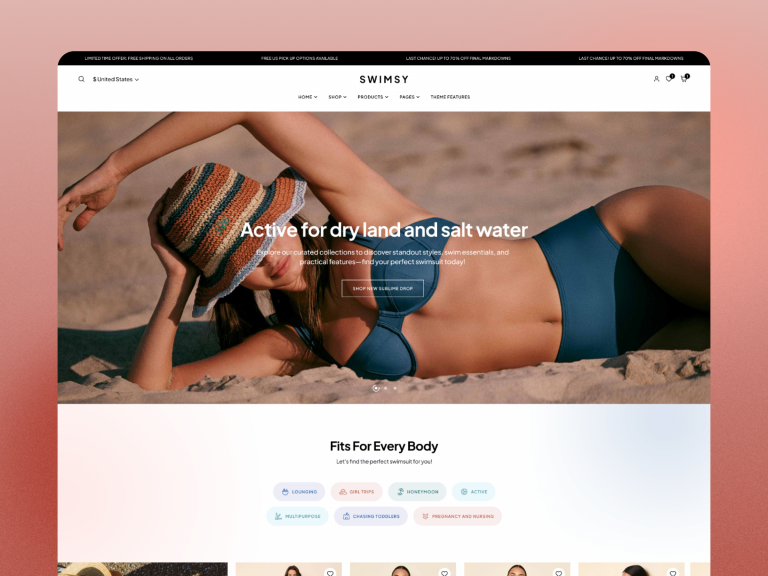
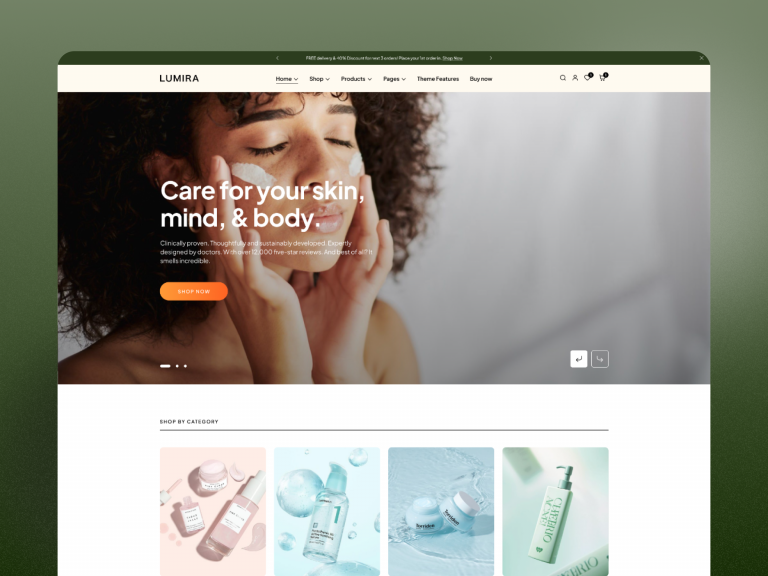
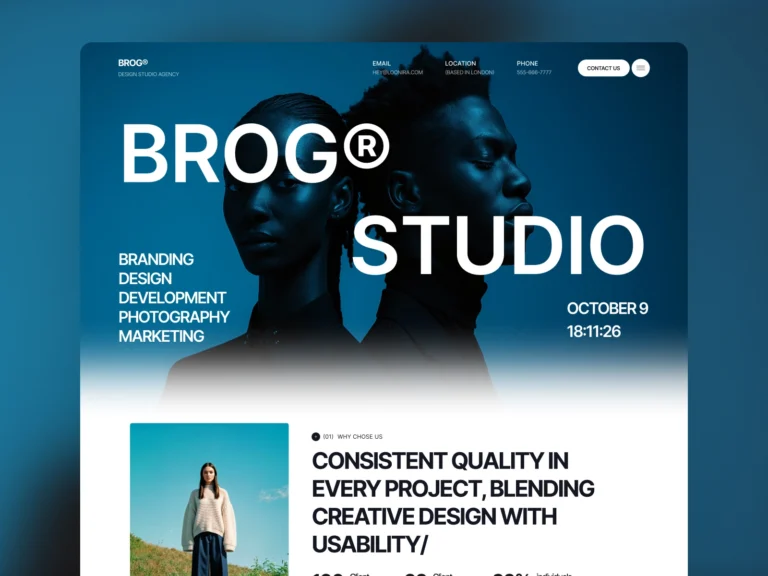
Demo images and polished sample content show the design direction, but your final result depends on your content, images, plugins, hosting, and configuration. Open the pages closest to your planned site, resize the browser, test menus and forms, and note which sections you would keep or remove.
Before changing a live website, install the theme on staging, keep a current backup, and verify important customer paths such as search, contact forms, cart, checkout, and account pages.
Need a compatibility answer?
Send the ThemeMuse team your WordPress and PHP versions, required plugins, and the product you are considering through the contact page. A specific pre-sale question is more useful than assuming a feature from a screenshot.