
The best WordPress themes for bloggers and small businesses fit the owner’s publishing workflow, content type and maintenance ability—not simply the longest feature list. Prioritize readable templates, reliable block-editor support, responsive behavior, restrained assets and clear update policies. This guide compares established options and gives you a decision framework you can test before purchasing.
Disclosure: ThemeMuse develops WordPress themes. Our own products are listed separately and clearly labeled. We do not receive payment from the third-party themes mentioned in this guide. Prices and features can change; verify them on each vendor’s official website.
Quick WordPress theme decision matrix
| Use case | Start with | Why it fits | Verify before buying |
|---|---|---|---|
| Beginner blogger | Astra or Kadence | Large ecosystems and approachable starter workflows | Which templates and builder features require a paid plan |
| Performance-focused publisher | GeneratePress | Restrained foundation and strong layout controls | Whether the free version covers your archive and post layout |
| Visual small-business site | Kadence or Astra | Flexible header, page and pattern options | Form, accessibility and mobile behavior in the actual demo |
| Highly customized marketing site | Divi | Integrated visual design system | Editing workflow, asset weight and long-term portability |
| WooCommerce-first store | OceanWP or a niche-specific theme | Commerce-oriented controls and integrations | Cart, checkout, account and mobile product templates |
| Editorial technology blog | Techfest by ThemeMuse | Content-led technology-blog layouts | Demo layout, support scope and compatibility details |
| Block-editor workflow | Gutenbase by ThemeMuse | Designed around WordPress block publishing | Required plugins, included patterns and licensing |
How we evaluate WordPress themes
Theme recommendations should be reproducible. We use the following criteria instead of treating download counts or marketing claims as proof of quality:
- Publishing fit: Does the theme provide the post, archive, search and page templates required by the use case?
- Editing workflow: Can the owner make routine changes in the WordPress editor without vendor-specific workarounds?
- Mobile experience: Are navigation, typography, forms and calls to action usable at small widths?
- Performance discipline: Does the default experience avoid unnecessary scripts, animations and oversized media?
- Accessibility basics: Can keyboard users navigate menus and identify focus? Is text contrast readable?
- Maintenance: Is there current documentation, a transparent update history and an understandable support policy?
- Commercial clarity: Which templates, modules, updates and site licenses are included at the displayed price?
The official WordPress theme documentation explains how themes control site presentation and how to manage them. Always test a candidate in a staging or disposable environment before changing a production website.
Best WordPress themes to evaluate in 2026
Astra: flexible starting point for beginners
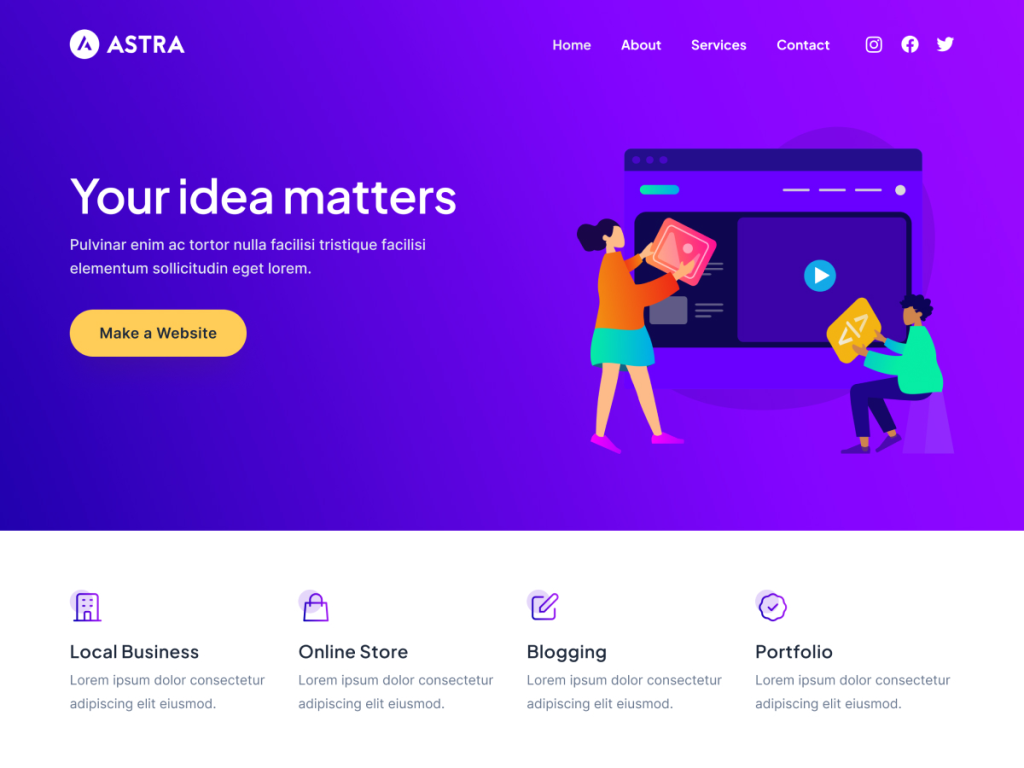
Astra is a sensible shortlist candidate for users who want a broad ecosystem of starter designs and integrations. It can suit blogs, service sites and stores, but buyers should separate what the base theme provides from features supplied by templates, plugins or paid modules.
Best for: first-time site owners who value guided setup and a large learning ecosystem. Test: the single-post template, mobile header and the exact starter template you intend to use.
GeneratePress: strong foundation for performance-conscious publishers
GeneratePress is often chosen by publishers and developers who prefer a restrained foundation and predictable layout controls. Its value is clearest when you already understand the structure you need and do not expect a demo import to make every design decision for you.
Best for: content-heavy sites and owners willing to configure typography, spacing and templates deliberately. Test: whether the free or paid edition supplies the archive and layout controls your design requires.
Kadence: balanced option for blogs and small businesses
Kadence combines approachable customization with useful header, layout and block-oriented workflows. It belongs on the shortlist for a small business that needs a polished brochure site or a blogger who wants more visual control without adopting an all-in-one page-builder system.
Best for: service businesses, creators and visual blogs. Test: which blocks or templates depend on companion plugins and how the mobile menu behaves with your real navigation.
Divi: integrated visual design workflow
Divi is aimed at users who want extensive visual design controls inside one ecosystem. That can reduce the need to assemble several design tools, but it also means the editor workflow and vendor ecosystem become central to how the site is maintained.
Best for: visually customized marketing sites maintained by someone comfortable with the Divi workflow. Test: page weight, mobile behavior, editing speed and what happens to layouts if your technology choices change later.
OceanWP: commerce-oriented controls
OceanWP is worth evaluating when WooCommerce templates and commerce controls are a major part of the project. Do not judge an ecommerce theme from its homepage alone. Product discovery, variant selection, cart, checkout and account pages are the journeys that affect buyers.
Best for: stores that need more theme-level commerce options. Test: a full mobile purchase journey and which extensions are necessary for the demonstrated design.
ThemeMuse options for bloggers and small businesses
ThemeMuse themes should be evaluated using the same criteria as every other option. Start with the live demo, check the included functionality and compare the support and license terms with your requirements.
Techfest for editorial and technology blogs
Techfest is the relevant ThemeMuse option when the content itself is the product: tutorials, reviews, news analysis or technology publishing. Inspect the demo’s article hierarchy, archive cards and navigation against the number of categories you plan to maintain.
Gutenbase for a block-editor publishing workflow
Gutenbase is intended for site owners who want to build and publish through the WordPress block editor. Before purchase, confirm the included patterns, required plugins, update coverage and whether the default templates match your planned blog structure.
You can view all current options in the ThemeMuse WordPress theme catalog. A catalog link is more useful than recommending a product that does not match the reader’s site type.
How bloggers should choose a WordPress theme
- List your recurring content types. Include articles, tutorials, reviews, author pages, resources and newsletters.
- Draw the reader journey. A visitor should be able to discover a relevant article, identify the author, continue to related content and subscribe without confusion.
- Test the single-post page first. Check headline wrapping, table styling, code blocks, image captions and mobile reading width.
- Limit category complexity. The theme cannot fix an archive made from overlapping categories and tags.
- Check monetization placements. Ads, affiliate disclosures and product boxes must not obscure the article.
- Measure a clean demo. Importing heavy images and multiple animation plugins can change performance more than the theme itself.
How small businesses should choose a WordPress theme
- Define the primary action. Contact, booking, quote request, store visit or purchase should determine the page hierarchy.
- Inventory required templates. Typical needs include Home, Services, About, Contact, Case Studies and legal pages.
- Test forms and navigation on a phone. A beautiful desktop demo is irrelevant if the main action is difficult on mobile.
- Check local or regulated information. Address, opening hours, credentials and policy content must be maintainable.
- Plan ownership. Confirm who will update WordPress, plugins, backups and content after launch.
- Know when DIY stops being economical. If the project requires custom workflows or migration planning, compare the theme approach with a custom WordPress design engagement.
Free vs premium WordPress themes
| Question | Free theme | Premium theme |
|---|---|---|
| Good for a first site? | Yes, when core templates meet the need | Yes, when paid features solve a documented requirement |
| Support | Usually community or limited | Typically includes a defined support channel and term |
| Templates and controls | Focused baseline | Often more layouts, modules or integrations |
| Risk | Adding many plugins to recreate missing features | Paying for features you never use or becoming dependent on one ecosystem |
Premium is not automatically faster, safer or better designed. Pay when the license provides a feature, workflow, template or support level that saves meaningful time. A free theme with a clear maintenance model is better than a premium theme chosen only because its demo looks impressive.
Theme test checklist before you purchase
- Open the live demo at phone, tablet and desktop widths.
- Inspect a long article, category archive, search result and 404 page.
- Navigate the site with a keyboard and confirm focus is visible.
- Check headline wrapping and contrast with realistic content.
- Verify WordPress, PHP and plugin compatibility on the vendor site.
- Identify which demo features require additional paid plugins.
- Read the update, support, renewal and refund terms.
- Test on staging and create a backup before activating it on production.
- Replace demo media with properly sized images rather than retaining oversized assets.
- Document the reason for your choice so a future maintainer understands it.
Final recommendation
For a beginner blog, shortlist Astra, Kadence and GeneratePress, then compare the actual single-post and archive experience. For a small-business marketing site, evaluate Kadence or Astra against your service and lead-generation requirements. Choose Divi when its integrated visual workflow is an intentional long-term decision, and evaluate OceanWP when WooCommerce journeys are central.
For ThemeMuse’s narrower use cases, compare Techfest for editorial technology publishing and Gutenbase for block-editor workflows. Test every shortlisted theme with your own content before committing. If you have not created the site yet, follow our step-by-step guide to starting a WordPress blog first.
Last reviewed: August 11, 2026. Theme and vendor details should be verified at the official source before purchase.