
Download

Downloads

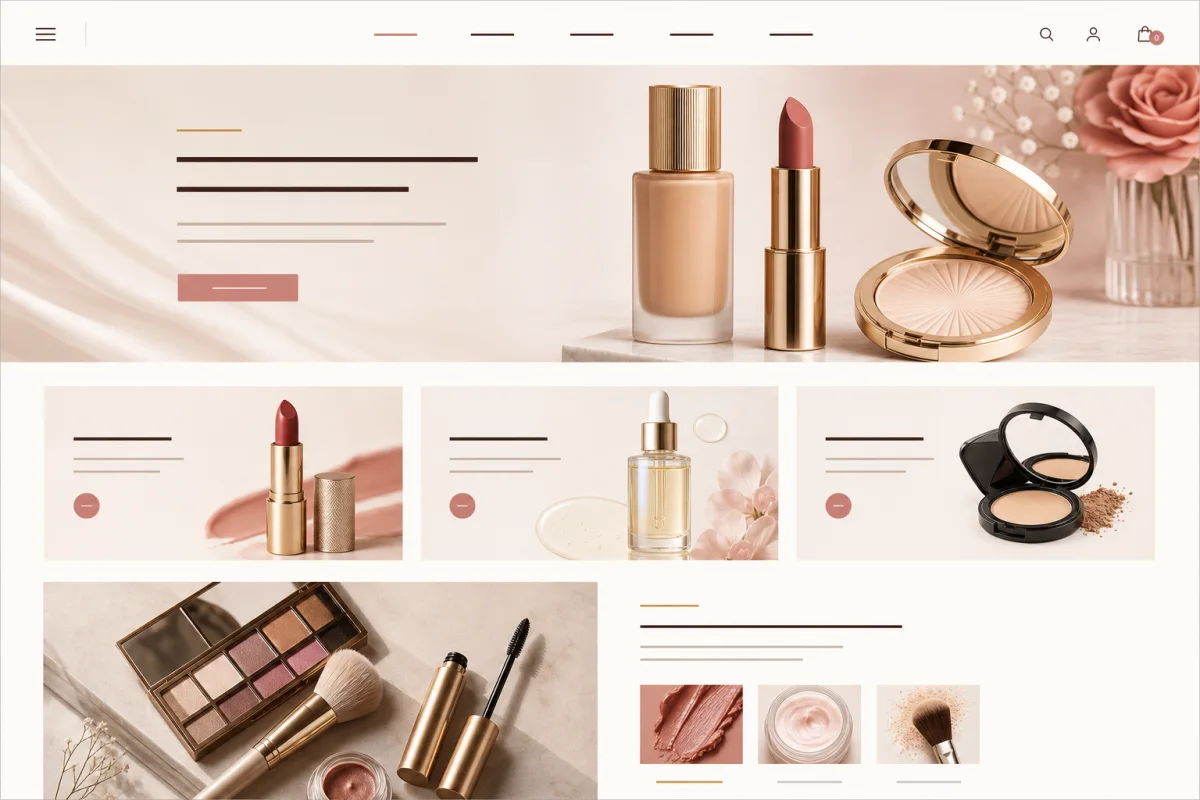
Aurea

A campaign-led WooCommerce theme for cosmetics brands Aurea is a cosmetics WooCommerce theme direction for independent beauty brands presenting launches, collections, routines, and product stories. Its focus is makeup and cosmetics merchandising: helping shoppers move from campaign imagery to collections, understand each product, and continue confidently toward cart and checkout. Who Aurea is designed for […]

Read article

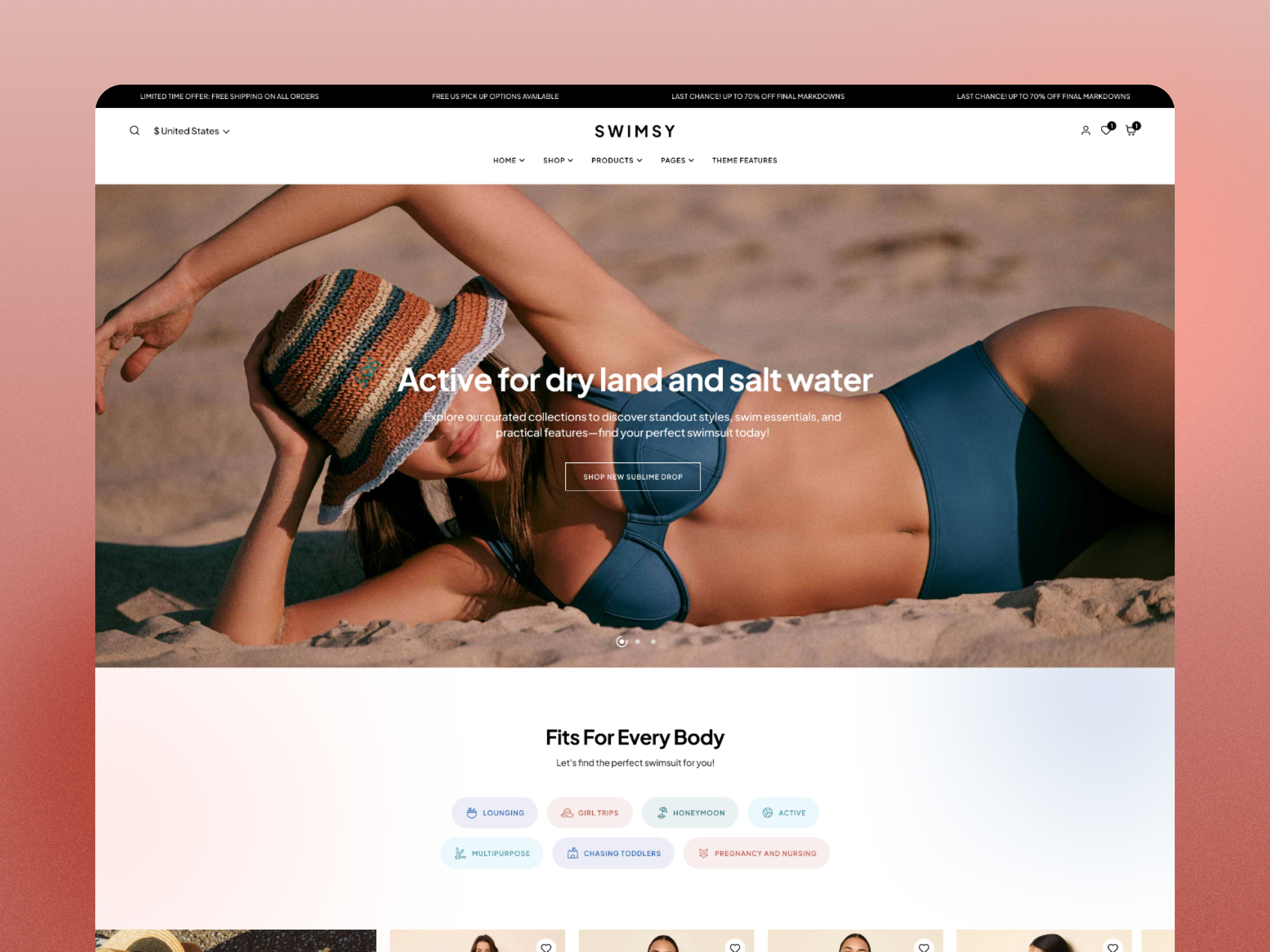
Swimsy

A visual WooCommerce theme for swimwear and resort brands Swimsy is built around the way independent swimwear, bikini, beachwear, and resort-accessory stores sell: strong campaign imagery, seasonal collections, and a shopping path that still feels simple on a phone. The design direction gives product photography room to lead while keeping collection links, product information, and […]

Read article

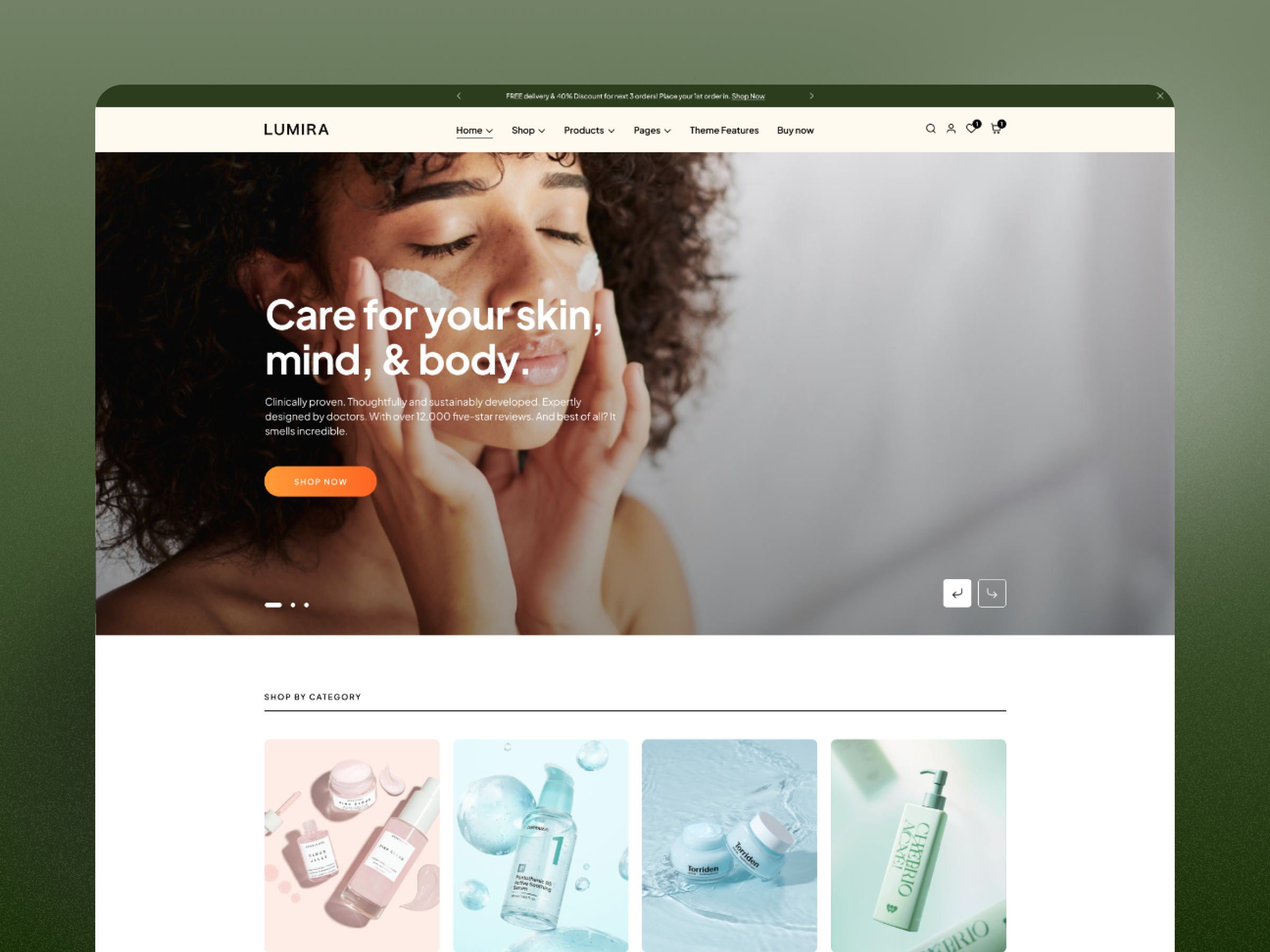
Lumira

A calm WooCommerce direction for skincare and wellness Lumira uses a restrained beauty and wellness direction for stores that need room to explain ingredients, routines, benefits, and product usage without making the shopping experience feel crowded. It is best suited to focused catalogs where education and trust are as important as product imagery. Who this […]

Read article

Holiday Effects Pro

Seasonal visual effects for short promotional campaigns Holiday Effects Pro is positioned for WordPress site owners who want temporary seasonal atmosphere—such as winter or Halloween effects—without rebuilding the theme for every campaign. It should be treated as a reversible presentation layer, not a replacement for clear promotional content. Who this product is for Short holiday […]

Read article

Techfest

An editorial WordPress theme for technology publishing Techfest is positioned for independent technology blogs, product explainers, software reviews, and small editorial teams. Its role is to give complex subjects a clear hierarchy so readers can scan an answer, inspect evidence, and continue into a deeper tutorial or comparison. Who this product is for Independent technology […]

Read article

Compare ThemeMuse products before checkout

This catalog includes WordPress themes, plugins, and bundles. Use the product type, live demo, description, price options, and support information together when deciding. Price alone does not show whether a product matches your site, editing workflow, or required integrations.

Choose by project need

  • Choose a theme when you need a complete visual and template foundation for a WordPress site.
  • Choose a plugin when you need a focused capability that works with your existing design.
  • Consider a bundle when several current products match real projects you plan to build during the license period.

What to verify on each product page

Review the demo at common screen sizes, confirm current WordPress, PHP, WooCommerce, and plugin requirements, and compare yearly and lifetime options where both are offered. If a required integration or license use is not stated clearly, ask before purchasing rather than treating a screenshot as confirmation.

For installation help, start with the documentation library. For a pre-sale compatibility or licensing question, use the contact page and include the product name plus your platform versions and required integrations.